Homo ludensCamelCase Playground
DeLorean — Back to the Future IV
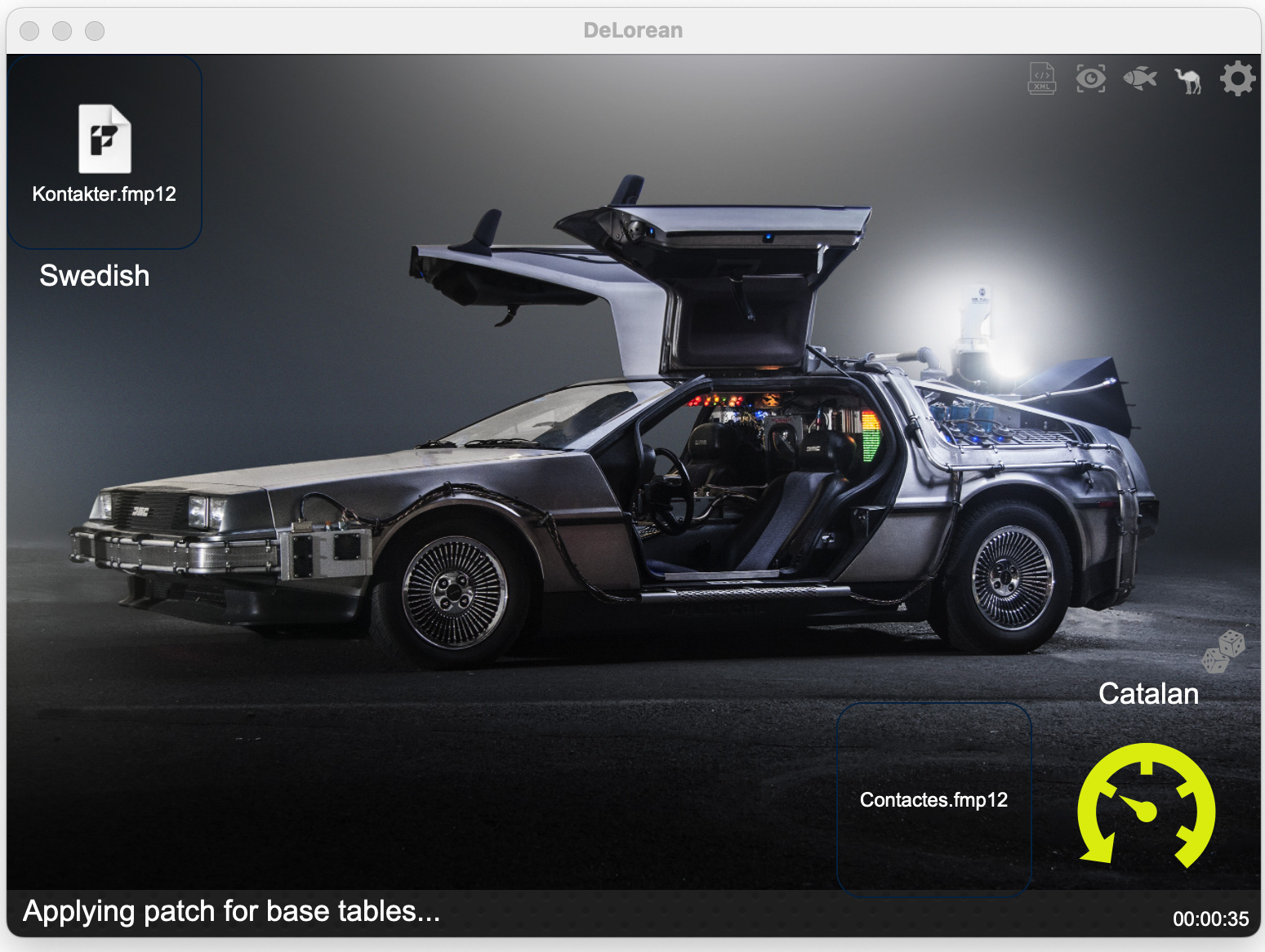
DeLorean provides a user-friendly interface for completely automating the application of structural changes to FileMaker files, built on top of the FMUpgradeTool. It was the star of our Back to the Future IV presentations in 2025 — the latest episode in a series that goes all the way back to Montreal in 2012. And yes, Part V is already in the works...
Saving Rendered Web Viewers as Files
When working with web viewers, we often find it useful to get the currently rendered content. Especially when debugging, it is handy to be able save it as a file and then view it in an external editor. Having used various methods to do this over time, we finally decided to put together a single script that handles...
IconCamel FileMaker Icon Management utility
We've never really had a good way of keeping track of all the custom icons used for different projects. IconCamel was created as part of an effort to improve this. The playground file shared here has a few basic features...
CamelFish Add-On Localization utility
This playground file started out when we were preparing our first add-ons and wanted to localized them into a few different languages. We progressively added more and more features, as we need to automate more of the tasks involved...
CamelCase Calendar Playground
This unlocked playground file illustrates a handful of the many ways in which a Claris FileMaker/FullCalendar integration can be customized to suit the specific needs of each use case...
Developing FileMaker with FileMaker - On the FileMaker Internal Use of XML
This is a topic we've been passionate about for a very long time, and given several presentations through the years. Below are the PDFs for the presentations given in 2019 at the Scandinavian and Spanish FileMaker conferences...
Back to the Future IV — DeLorean
The Back to the Future series started at the CQDF in Montreal in 2012, with our first presentation on FileMaker's internal use of XML. Part II followed in 2019 in Madrid and Elsinore — those slide decks are in the XML in FileMaker section further down this page. Part III was in Antwerp in 2023. For Part IV, David presented at FMCat 2025 in Barcelona in Spanish (Regreso al Futuro IV), then at EngageU 2025 in Antwerp in English, and then online in French for the francophone Claris community in November 2025 (Retour vers le futur IV). The Spanish and English slide decks are available for download below, and the video from EngageU follows.
The star of the show is DeLorean: a FileMaker developer tool that provides a user-friendly interface for completely automating the application of structural changes to FileMaker files, built on top of the FMUpgradeTool. In other words, it's the kind of thing you build when you've spent enough years wishing you could just tell a machine to handle the rename-every-table-occurrence-across-all-files part of a migration.
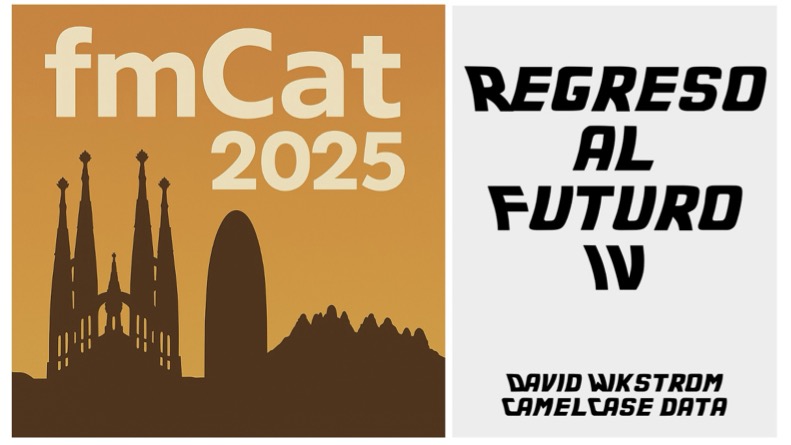

- Regreso al Futuro IV — FMCat 2025 (Spanish)
- Back to the Future IV — EngageU 2025 (English)
Video recording — EngageU 2025
Since the flux capacitor is still running, several team members are already collaborating on Back to the Future V. The question this time is one we suspect most of you have been asking yourselves: how has the genuinely remarkable revolution in AI-assisted code generation over the past year transformed — and sometimes conspicuously not transformed — what's actually possible in FileMaker development today? We'll be presenting first in German at FileMaker Konferenz in Salzburg (September 14–16, 2026) and then in Spanish at FMCat 2026 in Barcelona (October 16, 2026).
Saving Rendered Web Viewers as Files
When working with web viewers, we often find it useful to get the currently rendered content. Especially when debugging, it is handy to be able save it as a file and then view it in an external editor. Having used various methods to do this over time, we finally decided to put together a single script that handles. The script can simply be pasted into any file and then run from the scripts menu.
The file available for download contains a sample layout and web viewer purely for illustration purposes.
The way this works is by using the "Execute JavaScript in Web Viewer" script step with an anonymous JavaScript function, and the same basical method can be used to simply pass the rendered content back to Claris FileMaker without actually saving it as a file.
The file comes completely unlocked and is to be used at your own risk.
IconCamel FileMaker Icon Management utility
Important: The hosted version of IconCamel does not work with the latest version of Claris FileMaker, due to changes in the Save a Copy as XML output format. Changes in both Claris FileMaker 2024 and 2025 have partially broken this functionality. The way icons are stored in the XML output was changed—instead of storing the full details of each icon every time it is used, each icon is stored in the new LibraryCatalog element. We had reported this issue, based on our work with parsing the output of Save a Copy as XML. While there are no immediate plans to update IconCamel to handle this change, we are already using new Scrutinizer Central actions internally, that handle the new format.
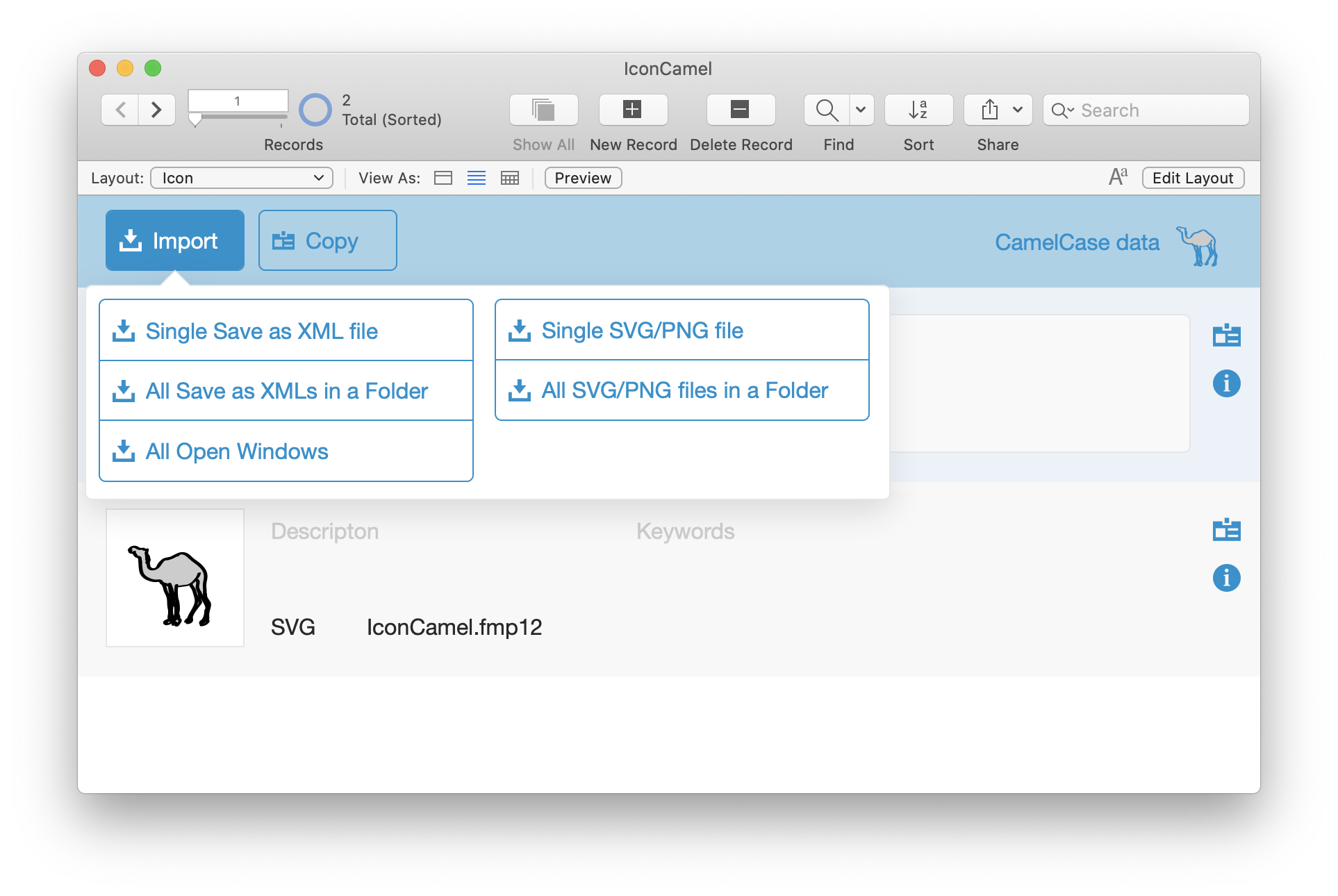
We've never really had a good way of keeping track of all the custom icons used for different projects. IconCamel was created as part of an effort to improve this. The playground file shared here has a few basic features:
- Importing all unique icons from the output of Save a Copy as XML
- Importing icons from SVG/PNG files
- Copying one or more icons to the clipboard so they can be pasted into a FileMaker file
The icons will be pasted as button objects, which can subsequently be deleted, since the icons will have been inserted into the file's icon library.
IconCamel is very much a proof-of-concept/work-in-progress file, completely unlocked, and to be used at your own risk.
This file is currently set up to work only on macOS (but could easily be made Windows compatible). The core features, notably the icon import, use FileMaker native features only.
You will however need to have a current version of the free BaseElements plugin installed in order for features like the copying of icons to the clipboard to work. You can also modify the code to use some other plug-in.
CamelFish Add-On Localization utility
This playground file started out when we were preparing our first add-ons and wanted to localized them into a few different languages. We progressively added more and more features, as we need to automate more of the tasks involved. The version posted here has been enhanced in view of our session "Localize it!" at dotfmp.berlin 2021 and comes with a fancy one-click option to create and localize an add-on.
CamelFish is very much a proof-of-concept/work-in-progress file, to be used at your own risk. The one-click option will work partially, completely, or not at all, depending on what the programming in your original add-on file looks like. The real purpose of the one-click option is precisely to all the things you need to pay attention to when localizing. For production use, you will want to get to know the step-by-step localization process, which will involve making intelligent choices, doing manual editing, and often also adapting the way you structure your code. We are planning to make CamelFish smarter and smarter to avoid some of the current known limitations, but some amount of human intelligence is likely to be required to do good localization, at least for now.
The utility is currently designed to work only on macOS, and will require a valid Google Translate API and/or DeepL API Free key to use all the features.
Video recording of the presentation / dotfmp.berlin 2021
CamelCase Calendar Playground
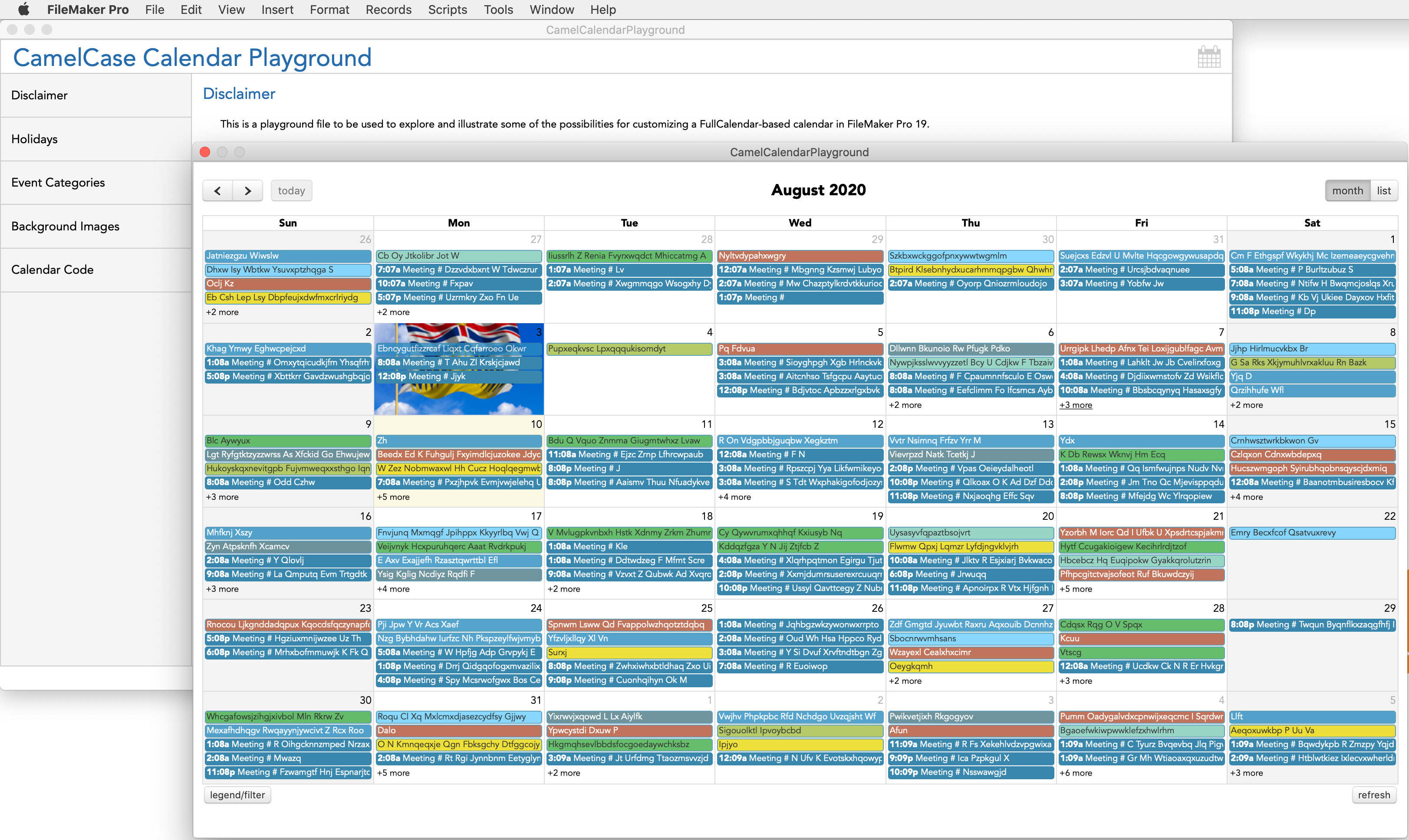
This unlocked playground file illustrates a handful of the many ways in which a Claris FileMaker/FullCalendar integration can be customized to suit the specific needs of each use case.
Inspired by true events.
Developing FileMaker with FileMaker - On the FileMaker Internal Use of XML
This is a topic we've been passionate about for a very long time, and given several presentations through the years. Below are the PDFs for the presentations given in 2019 at the Scandinavian and Spanish FileMaker conferences that year. We're happy to not that a lot has already changed, not least with the introduction of features like Add-Ons in FileMaker 19, but we think the fundamentals remain valid and relevant.
- Developing FileMaker with FileMaker - On the FileMaker Internal Use of XML
- Programar FileMaker con FileMaker Sobre los múltiples usos de XML al interior de FileMaker